Check that your data can be trusted
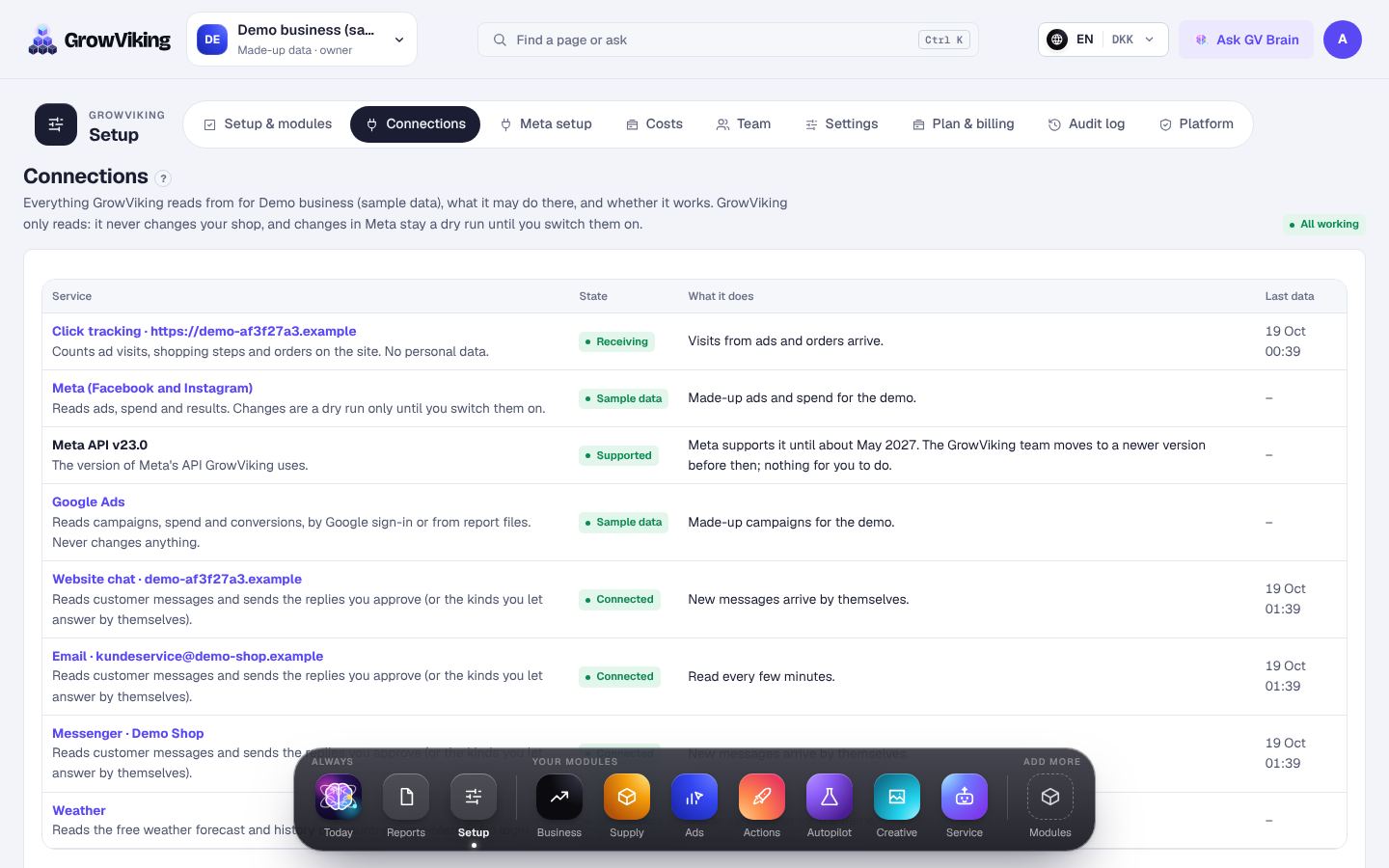
Connections checks every shop and ad account over the last 30 days, so a figure that looks odd can be traced to its source.
How to do it
- 1
Open Connections and scroll to Data quality.
- 2
A green tick means the check passed; an exclamation mark says what to look at.
- 3
Last read: whether the source is read on time. The same rule decides the line under every page's title.
- 4
Missing days, Counted twice, Currency and Time zone: days without data, orders that came in twice, amounts without an exchange rate and ad accounts that count other days.
Amounts in a currency without an exchange rate are left out of totals until the rate is read, never counted as if they were in your own currency.